Speak to an Expert Today!
714-639-3326
sales@decotechgroup.com
Headquarters
1040 Segovia Circle
Placentia, CA 92870

714-639-3326
sales@decotechgroup.com
1040 Segovia Circle
Placentia, CA 92870
The DT-CNC-120S is an operator-loaded screen printing machine for bottles and shaped containers. Four servo-controlled movements manage print-head position, screen travel and product rotation, while optional camera or optical registration can be used for applications that require repeatable multi-color positioning.
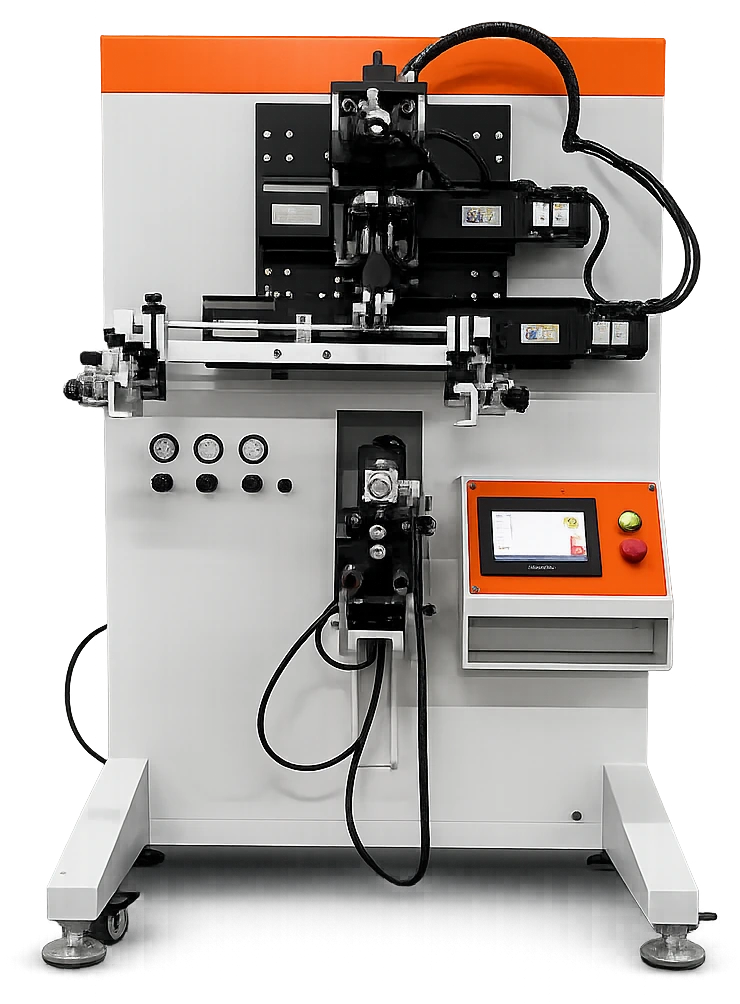
The DT-CNC-120S uses the same type of servo-driven motion and programmable control approach found in the larger DT-CNC automatic systems, but keeps part loading, unloading and color changeover with the operator. This provides a practical machine configuration for lower-volume production, frequent changeovers and applications that do not require a fully automatic rotary line.
The DT-CNC-120S remains a semi-automatic machine. The operator loads the product into the fixture, removes it after printing and manages screen, ink and color changes as required by the job.
Four servo-driven movements control print-head travel, vertical print-head movement, screen stroke and fixture rotation. Job settings are established through the PLC and touchscreen rather than relying only on mechanical or pneumatic adjustment.
Camera artwork positioning or an optical sensor can be used to locate a reference on the product. The fixture servo then rotates the container to the programmed position before the next print cycle.
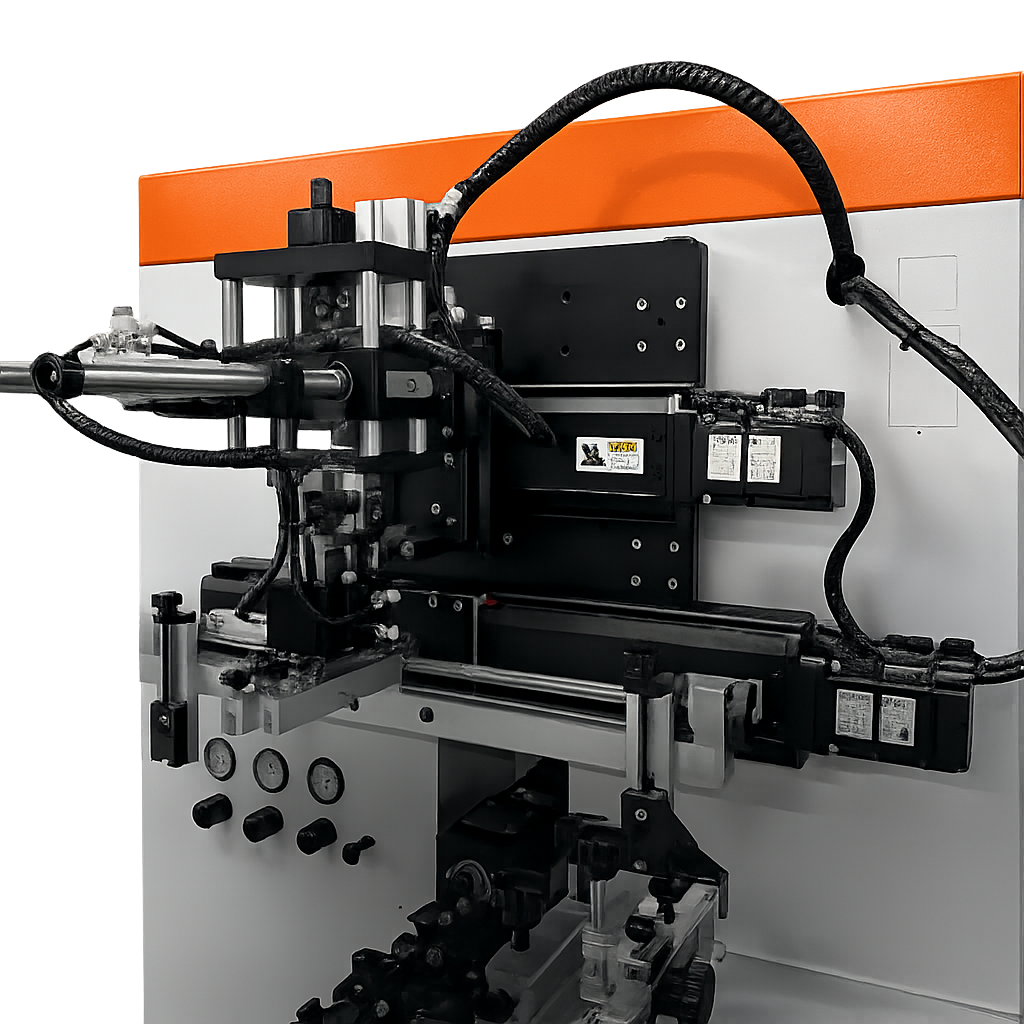
The DT-CNC-120S uses servo motors for print-head horizontal travel, print-head vertical travel, screen stroke and fixture rotation. These movements are coordinated through the machine controls so the print cycle can be set around the actual container geometry and artwork location.
Servo-driven horizontal head travel positions the printing assembly through the programmed cycle.
Servo-driven vertical stroke controls approach, print contact and return movement.
Independent servo drive controls the screen movement rather than relying solely on a pneumatic cylinder.
Servo-driven part rotation coordinates the container surface with the screen during printing.
For multi-color applications, the DT-CNC-120S can use camera-based artwork positioning or an optical sensor to locate a reference on the part. The fixture servo then rotates the product to the programmed angular position before the next color is printed.
The camera system views the product and uses a visible reference from the existing decoration or part to establish orientation. The fixture servo can then rotate the product to the programmed printing position before the next print cycle.
For jobs with a feature that can be detected by an optical sensor, the sensor provides the reference point and the servo fixture rotates the product into the programmed print position.
For additional colors, the operator returns the part to the fixture. The selected registration system locates the reference, the fixture rotates to the programmed position, and the next color is printed. Drying and curing are configured for the ink and application.
Place the product into the dedicated fixture.
Establish product orientation with the fixture, camera or optical reference.
Run the programmed servo motion for the current color.
Handle curing/drying and screen or ink changeover as required.
Reload the product and locate the prior print or reference.
Rotate to position and repeat the controlled print cycle.
The DT-CNC-120S is designed for round, oval, square, triangular, hexagonal and octagonal containers. Print area and tooling are engineered around the actual part and artwork.
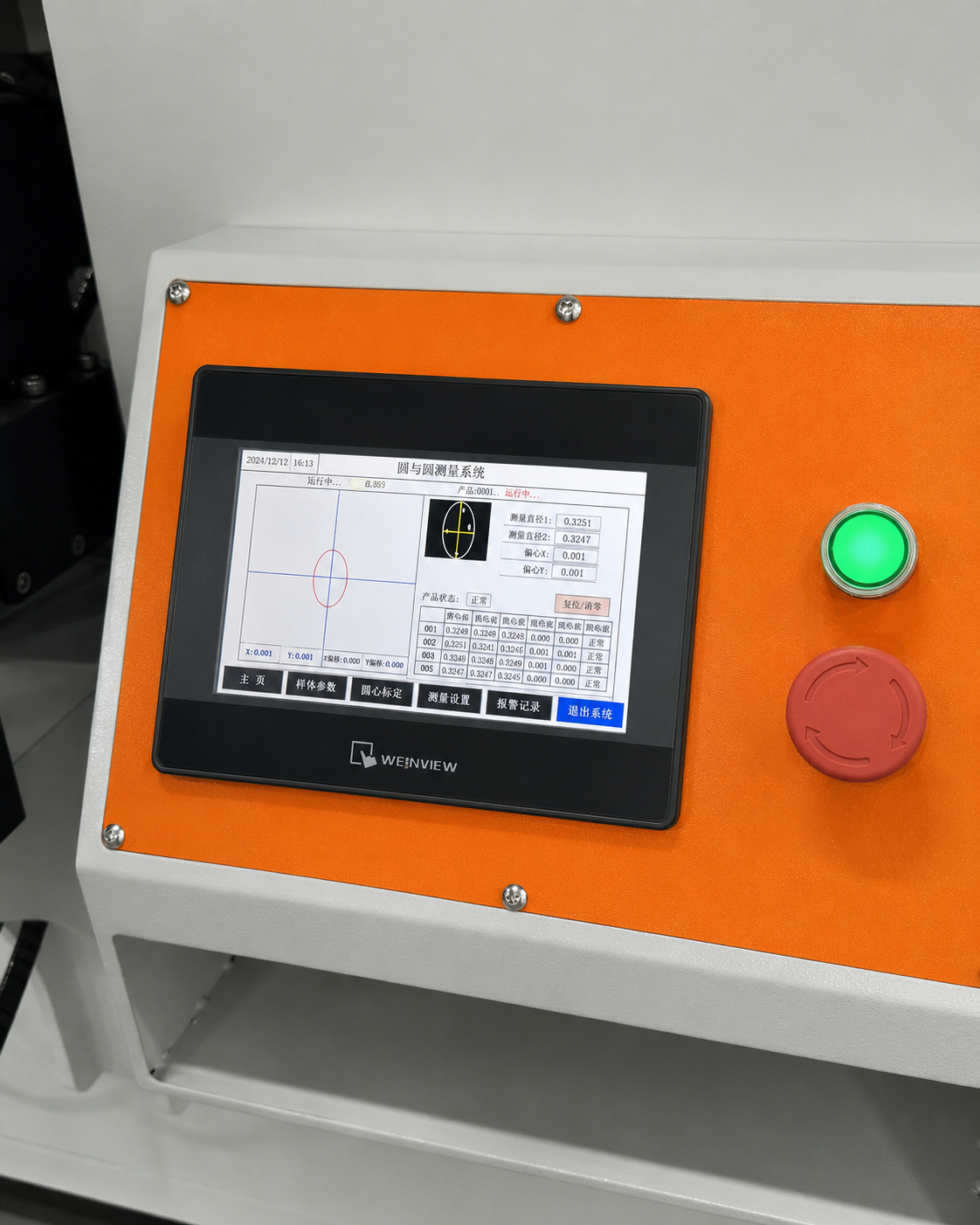
The Inovance PLC and Weinview touchscreen coordinate the servo-driven movements from one operator interface. This is the control layer that lets the machine be set around the product geometry, print stroke and registration method rather than relying only on pneumatic cylinders and fixed mechanical stops.
Camera vision and optical sensing serve different registration needs. Deco Tech selects the appropriate method based on the container, artwork, print locations, substrate, cure method and production target.
Review the container shape, dimensions, material, wall strength, existing decoration and the exact areas to be printed.
Determine whether the application provides a reliable visual artwork reference, optical target or mechanical orientation feature.
Support the product and program screen travel, print-head movement and fixture rotation around the actual print geometry.
Confirm registration behavior, adhesion, appearance, cycle requirements and downstream handling before production release.
Gallery highlights show the DT-CNC-120S print system, fixture area, operator controls and electrical architecture so buyers can evaluate the actual machine build and layout.
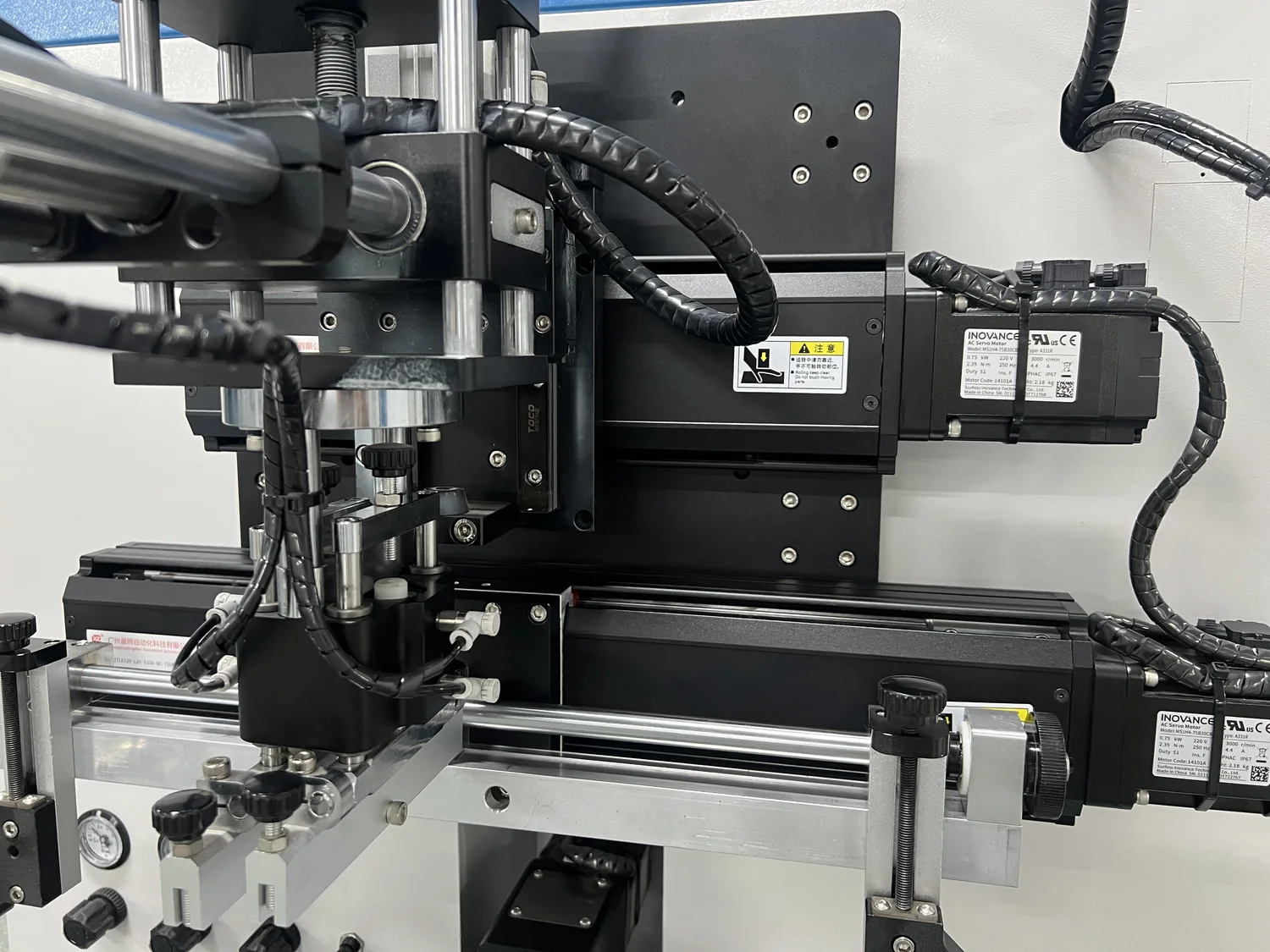
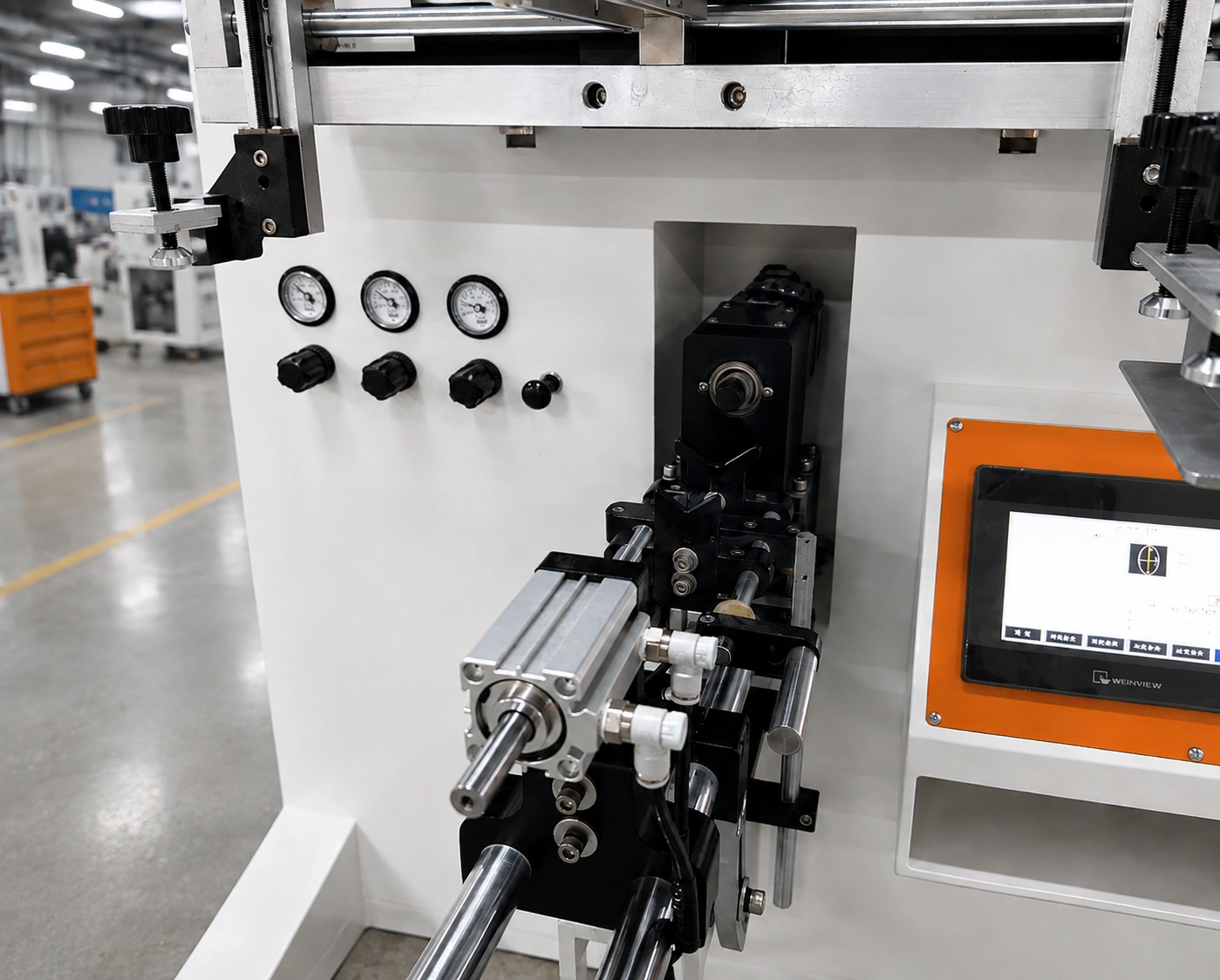
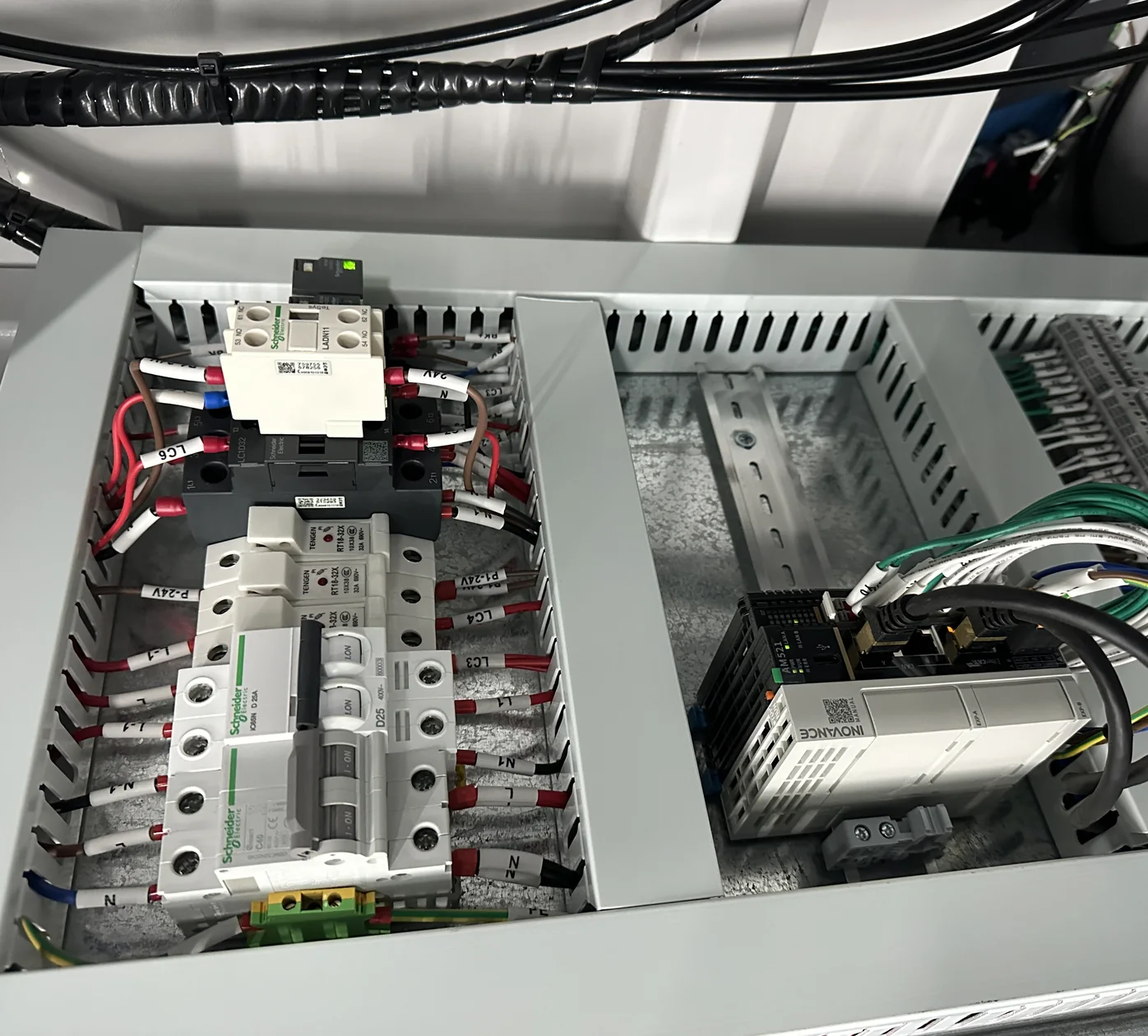
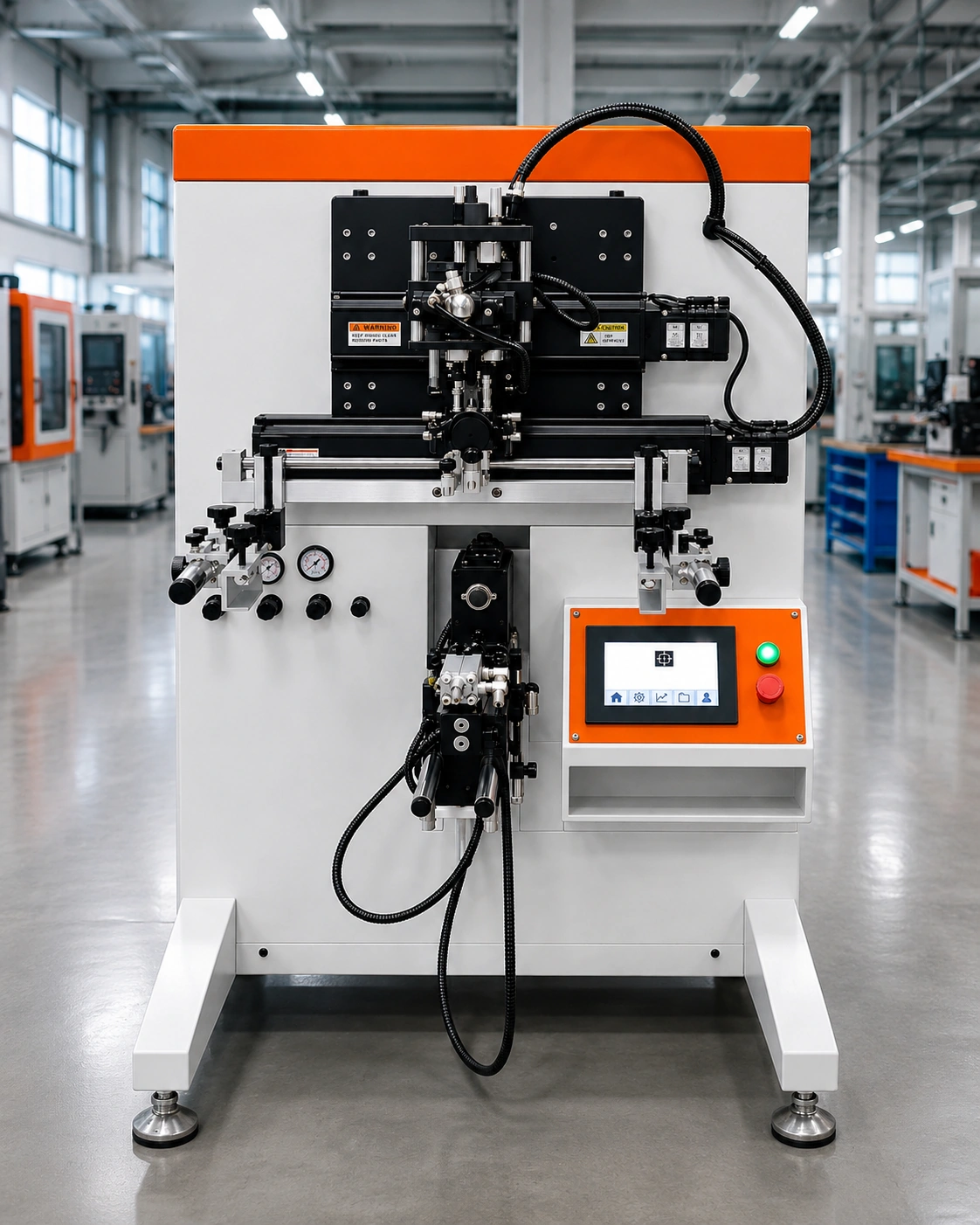
Technical specifications for the DT-CNC-120S are shown below. Machine configuration is matched to the part, artwork and production requirements.
| Specification | DT-CNC-120S |
|---|---|
| Print shapes | Round, oval, square, triangular, hexagonal, octagonal and other shapes |
| Print head left/right drive | Inovance servo motor |
| Print head up/down stroke drive | Inovance servo motor |
| Screen stroke drive | Inovance servo motor |
| Fixture rotation drive | Inovance servo motor |
| Control system | Inovance PLC and Weinview touchscreen |
| Registration options | Camera artwork positioning or optical sensor positioning |
| Round product diameter | Ø20-120 mm (0.787-4.72 in.) |
| Maximum screen frame size | 700 x 400 mm (27.56 x 15.74 in.) |
| Maximum cycle speed | Up to 1,200 cycles/hour |
| Electrical supply | 110V/220V, 50-60 Hz, 3 kW |
| Air requirement | 5-7 bar (approximately 73-102 psi) |
| Machine dimensions | 1,200 x 950 x 1,500 mm (47.24 x 37.40 x 59.06 in.) |
| Machine weight | 190 kg (approximately 419 lb) |
The decision is primarily about production volume, operator involvement and how much of the process needs to happen automatically. The 120S keeps handling with the operator while automating the critical print motion and registration functions.
Well suited to operator-loaded production, multiple SKUs, frequent job changes and single- or multi-color container printing where servo-controlled motion and registration are required without a full rotary automation line.
Discuss the 120S →For programs that require automatic loading, surface treatment, multiple print stations, inline UV curing and automatic unloading, the larger DT-CNC automatic platform is the better fit.
View automatic DT-CNC →The DT-CNC-120S still needs the right screens, squeegees, ink, artwork, curing method, fixtures and cleanup procedure. Deco Tech can supply and support those parts of the process after the machine is installed.
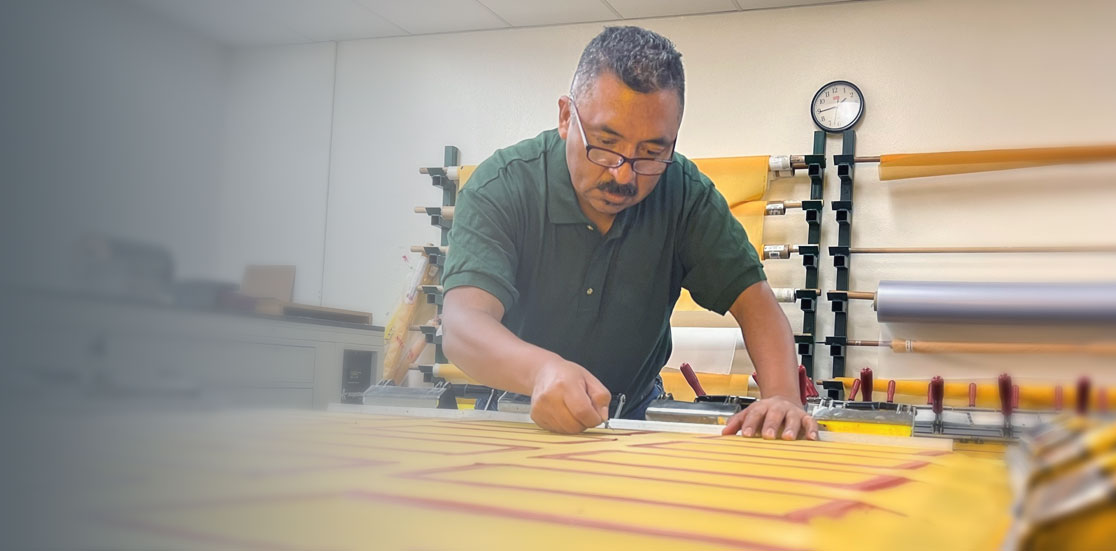
Stretched mesh, pre-sensitized screens, complete imaged screens and welded aluminum frames prepared around the press, artwork and production requirement.
Screen making →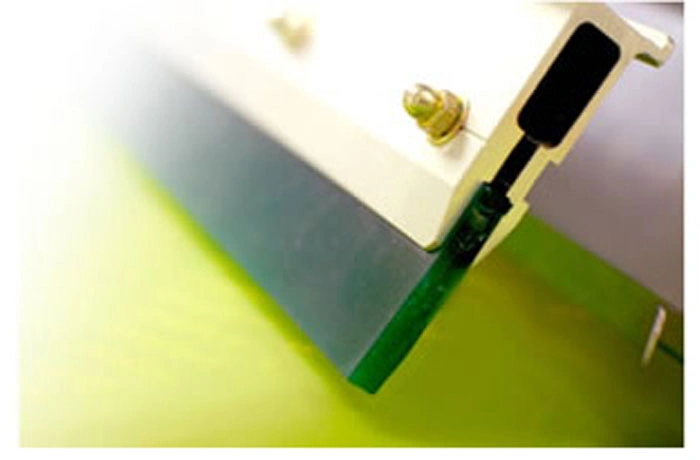
Pleiger polyurethane and specialty RKS squeegees are available in multiple hardnesses and profiles for container printing, ink-deposit control and production wear.
Squeegee options →
UV-curable, solvent-based and water-based screen printing inks with application guidance, substrate testing and custom color matching available through Deco Tech.
Screen printing inks →For multi-color work, the part may need to be UV cured or dried between print cycles. Deco Tech supplies UV curing conveyors and IR drying systems for standalone production cells.
Curing & drying systems →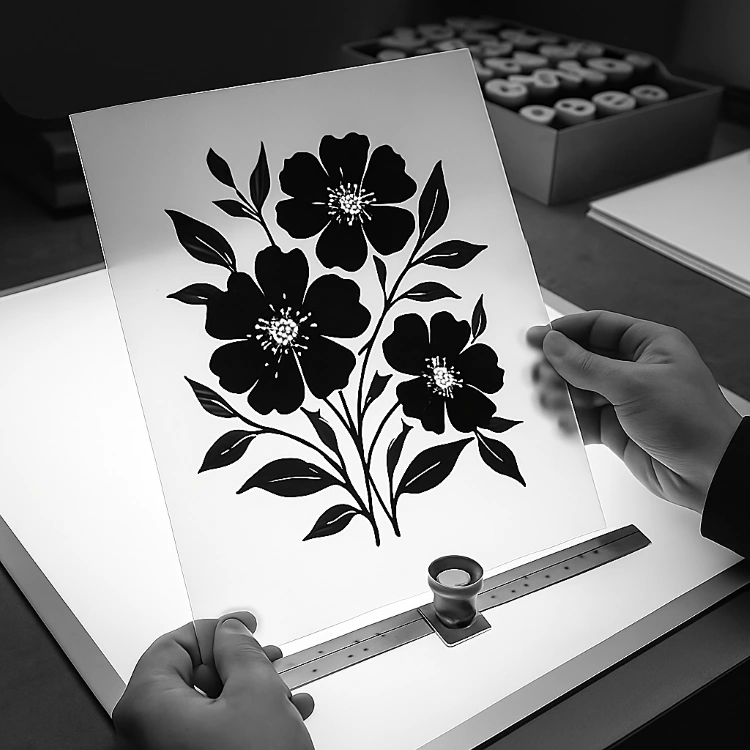
Vector cleanup, trapping, color separations, distortion correction and high-resolution film output are available for single- and multi-color screen printing jobs.
Graphics services →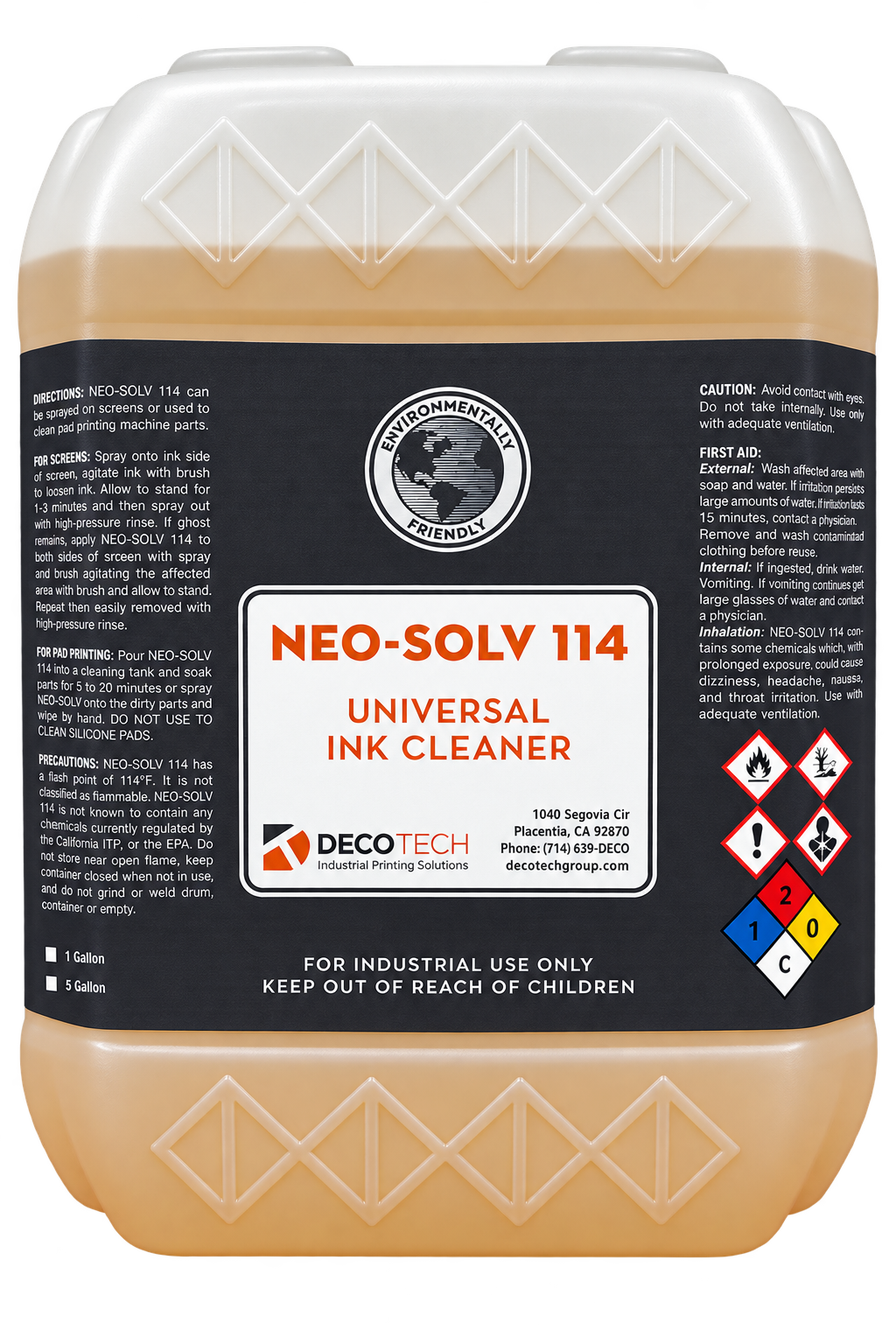
Neo-Solv 114 is used for routine cleanup of screen-printing ink residue from screens, squeegees and other compatible printing components after production.
Cleaning supplies →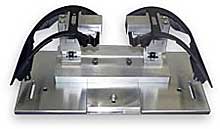
Custom part-holding fixtures are designed around the product geometry so the container can be loaded consistently and rotated through the programmed print cycle.
Fixtures & tooling →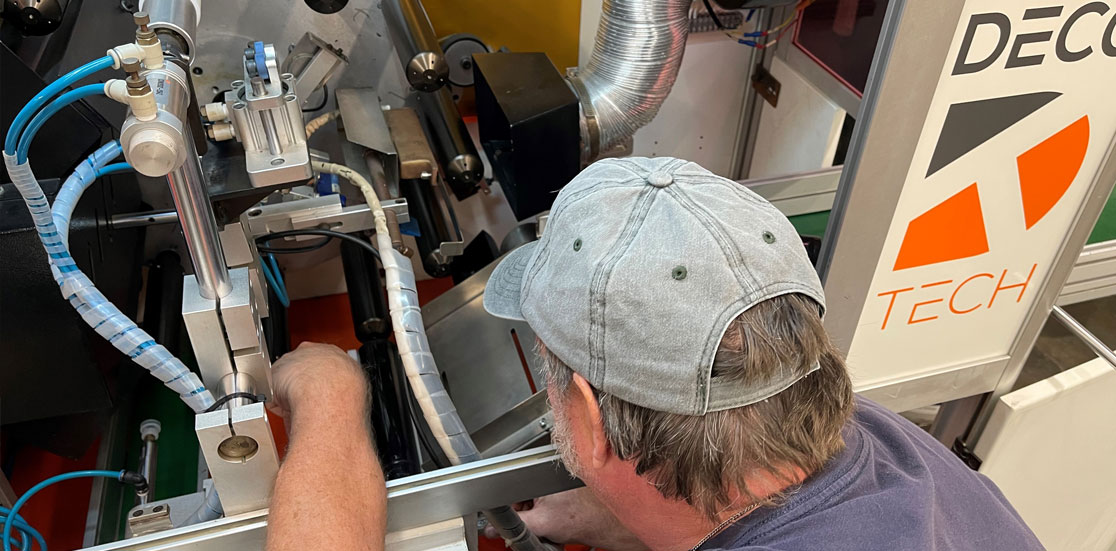
Machine installation, operator training, troubleshooting and process support help keep the printer, screens, tooling, ink and curing process working together.
Technical support →Deco Tech will review the part geometry, print locations, substrate, artwork, color count, registration target and required output before recommending the final machine configuration. For multi-color projects, send the complete artwork sequence so we can determine whether camera vision, optical sensing or another locating method is appropriate.
Common questions about machine capability, registration, print area, production speed and utilities.